first taste of ebpf
As the article title suggests, I’m not going to dive into writing eBPF programs, and honestly I don’t know enough to talk about that anyway. What we’re really going to do is explore what’s possible straight from the command line using tracing tools like bpftrace and similar ones. This is the moment where we get to use our imagination to see what we can pull off with eBPF that’s actually useful and, at the same time, helps us understand this incredibly powerful technology. Let’s get hands on.
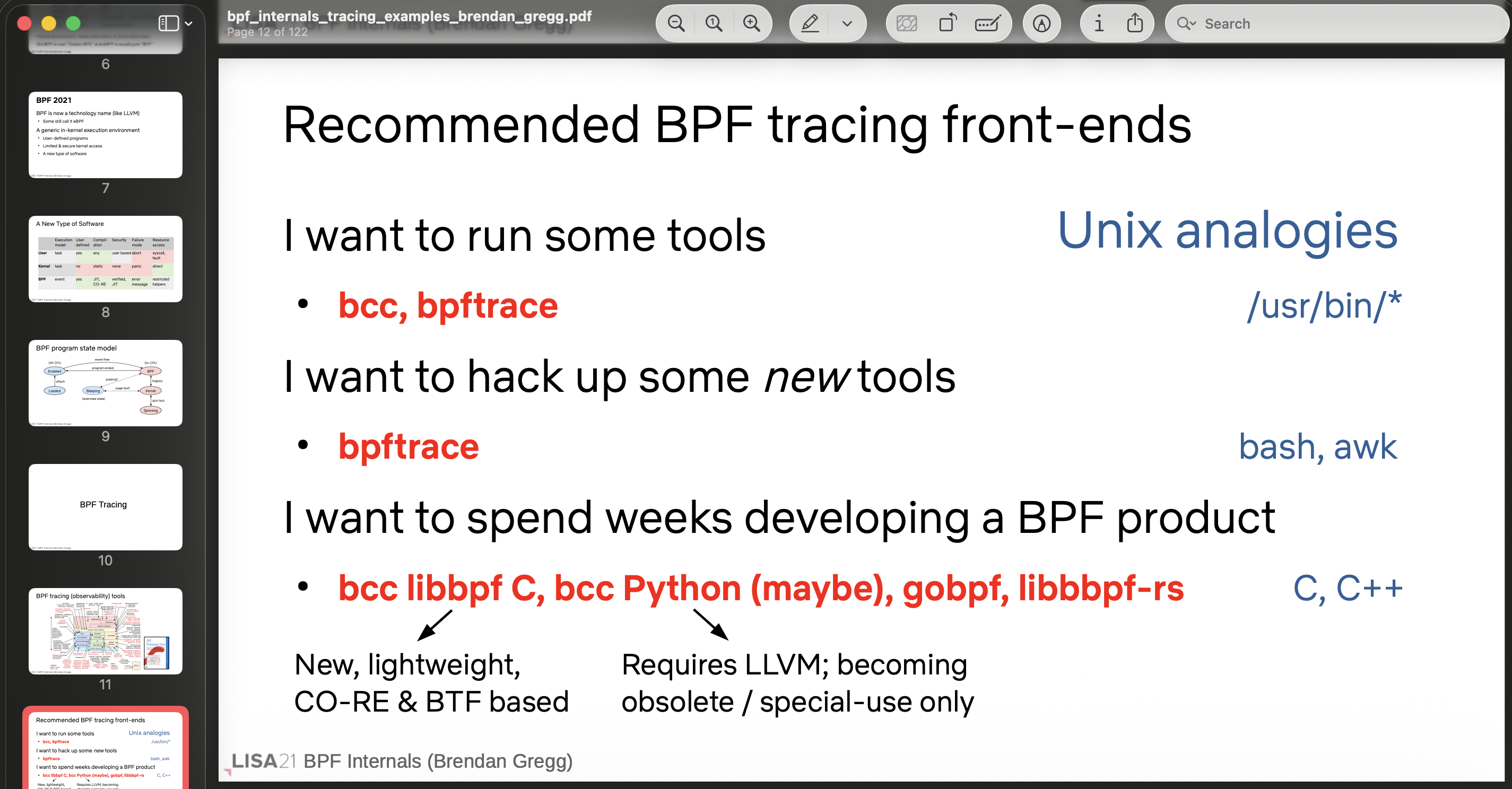
Brendan Gregg’s slides make the case that bpftrace is the perfect place to start. (:
Environment #
I’m starting to play around with eBPF on Ubuntu 25 running in a VirtualBox VM.
Spying on curl’s file access with bpftrace #
sudo bpftrace -e 'tracepoint:syscalls:sys_enter_openat /comm == "curl"/ {
    printf("%s -> %s\n", comm, str(args->filename));
}'
This command uses bpftrace to spy, in real time, on which files the curl process is opening. Let’s break it down:
sudo bpftrace -e '...' runs bpftrace with an inline program (the -e flag means “execute this script directly” instead of reading it from a file). It needs root because eBPF tracing touches the kernel.
tracepoint:syscalls:sys_enter_openat is the probe, the hook point. It fires every time any process on the system enters the openat syscall, which is the syscall the kernel uses to open files. The sys_enter part means it triggers right at the start of the call, before the kernel actually does the work.
/comm == "curl"/ is a filter (called a predicate). comm is a built-in variable that holds the name of the process that triggered the probe. So this says “only run the action if the process is named curl”. Without this filter you would get noise from every process on the machine.
{ printf("%s -> %s\n", comm, str(args->filename)); } is the action block. When the filter passes, it prints two things: comm (the process name, which here will always be “curl”) and args->filename, which is the path of the file being opened. args gives you access to the syscall arguments, and str() is needed because filename is a raw pointer into memory, so str() reads that pointer and converts it into a readable string.
End result: while the command is running, every time curl opens a file you will see a line like this: